↗
Share your needs.
Create transport requests and find your trips and employees in your workspace.
REQUEST · VIEW · FOLLOW SALISMOBILITY PRO
YOUR COMPANY’S MOBILITY
For organisations and transport teams: bring requests, trip planning, vehicles and drivers together, with access suited to each role.
On the web and Android. In French, Arabic and English.
A SHARED WORKSPACE
Information moves with the trip, from request to completion. Each role has a workspace suited to its needs.
Create transport requests and find your trips and employees in your workspace.
REQUEST · VIEW · FOLLOWReview requests and coordinate planning, vehicles and drivers.
PLAN · ASSIGN · COORDINATEFind your assigned trips in the Android application and follow their progress.
VIEW · COMPLETE · UPDATEHOW THE PLATFORM WORKS
Clients describe their needs. Managers coordinate resources. Drivers consult their assigned trips.
Open the platform ↗Clients submit transport requests and find the information they need in their workspace.
Managers plan trips and assign vehicles and drivers.
Drivers consult their trips on Android. Each role accesses its authorised scope.
THE ESSENTIALS
Organisations coordinating business transport requests, trips, vehicles and drivers.
A web browser for management workspaces and an Android phone for the mobile app. A network connection is required; offline operation is not promised.
The SALIS team reviews your needs. After the required approvals, access and scope are prepared according to the approved offer. Managers then use the authorised functions within their organisation.
Email contact@salismobilitypro.cloud. Support arrangements are to be specified in your offer; this page guarantees no response time.
No. It records a request for review. It does not confirm payment, final approval or account activation.
THE ACTUAL PLATFORM
Screenshots of the actual interface using demonstration data. They do not promise availability of every module shown.
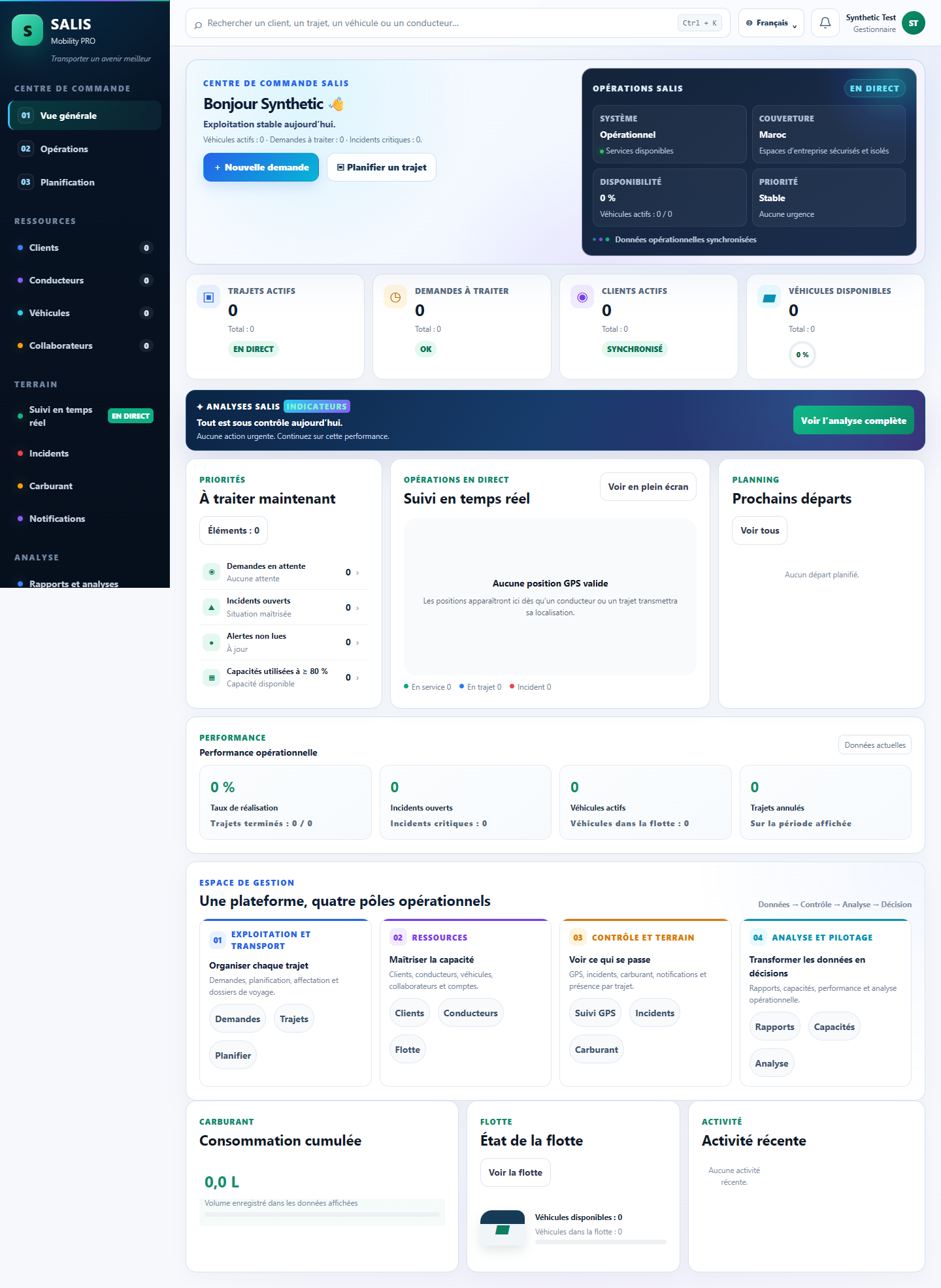
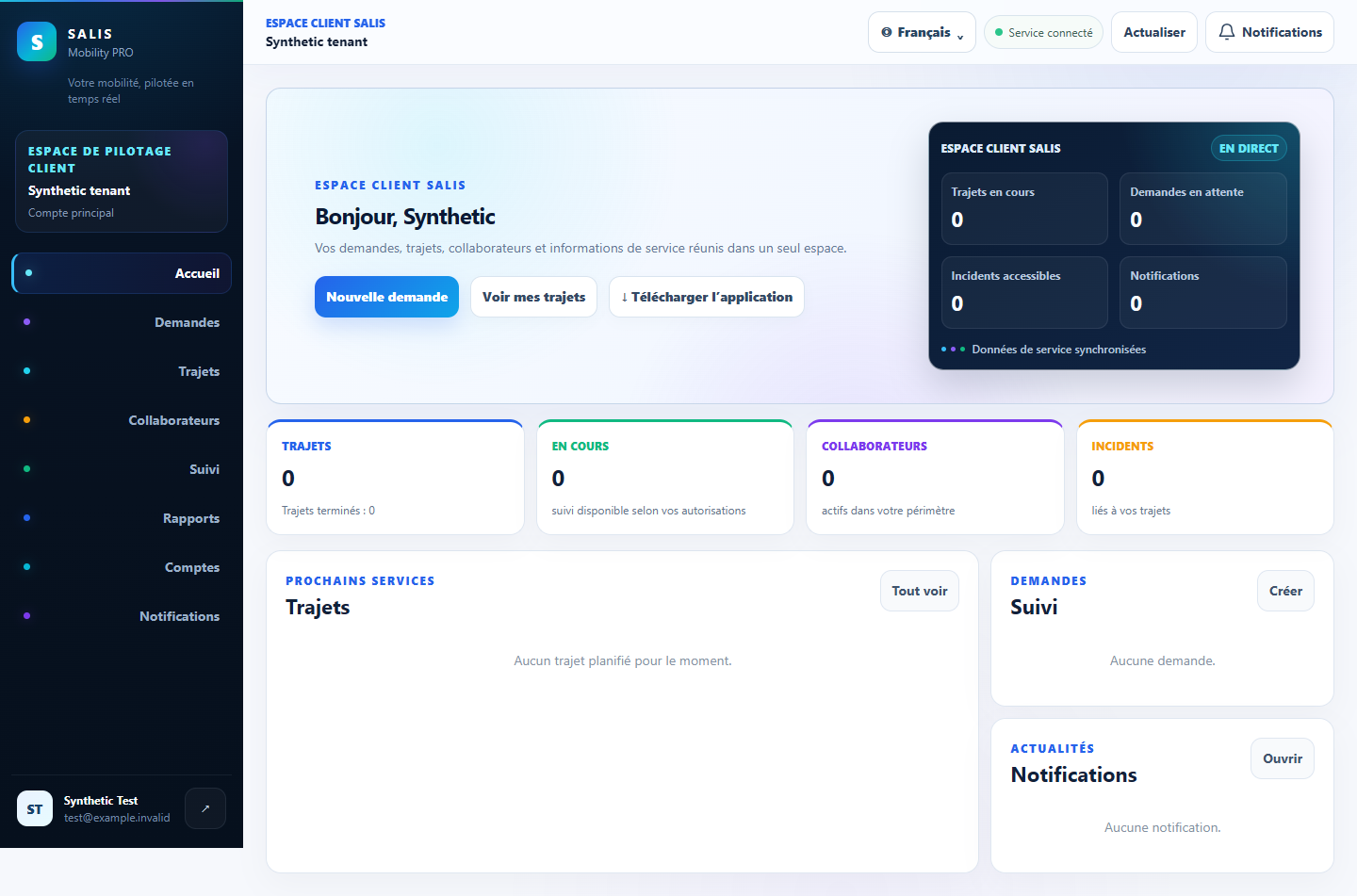
The offer specifies the functional scope, access, users and vehicles concerned, and agreed terms. Requirements, team size, fleet and preparation help determine the amount. This form does not set a price.
YOUR PROJECT, YOUR OFFER
Tell us about your organisation and requirements. The SALIS team reviews them to prepare a suitable offer by email.
SALIS MOBILITY PRO